
The Asrock Z390 Taichi Ultimate motherboard was not recognizing newer generation 4×4 PCI Express NVMe solid state drives. Compatibility was limited to specific older drives listed in the SSD support QVL (quality vendor list). That means those drives were tested and guaranteed to work with the motherboard.
When I attempted to use a Crucial P310 2TB Gen 4 SSD, the system failed to recognize it. This was the first time I had encountered a motherboard that refused newer Gen 4 drives. After researching solutions, many suggested using a PCI Express x16 adapter card.
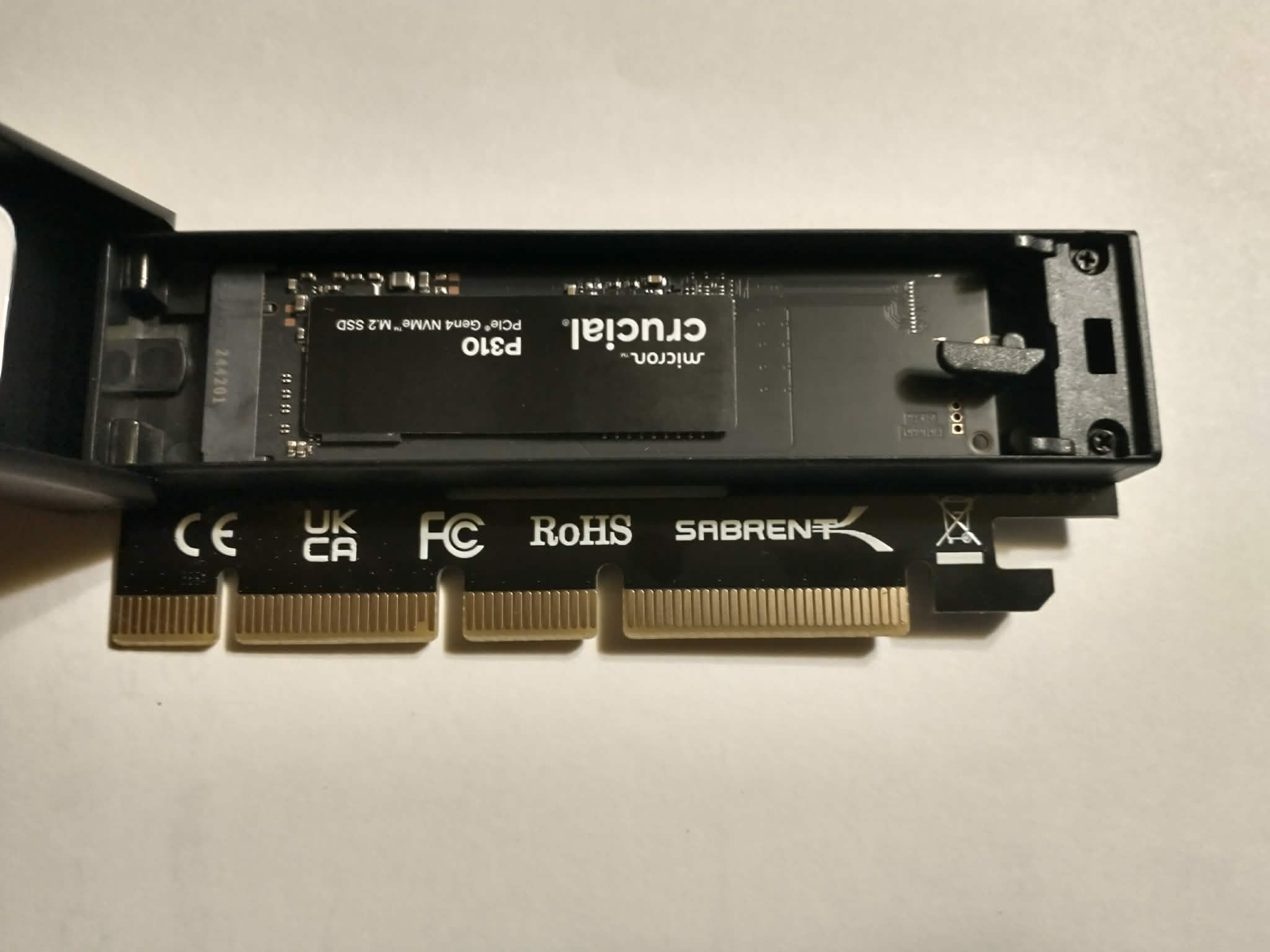
I choose the Sabrent adapter, which includes an M.2 NVMe slot. Installation was straightforward: insert the SSD, close the heatsink, and place the adapter into an empty PCI Express x16 slot. No changes were required in Windows or the BIOS — the Crucial drive was detected automatically. It appears the motherboard’s built-in M.2 NVMe slots can no longer be used with newer SSD’s.
Tip for Readers:
If your motherboard doesn’t recognize a newer NVMe SSD, don’t assume the drive is bad. Check the manufacturer’s QVL (Qualified Vendor List) first to confirm compatibility. If your drive isn’t listed, a PCI Express x16 adapter card can be a simple workaround — just make sure you have an open slot available. This lets you use newer generation 4+ drives even on older boards without complicated BIOS and Windows modifications. Replacing the motherboard isn’t necessary!